Free Chrome extension
Save any job in one click.
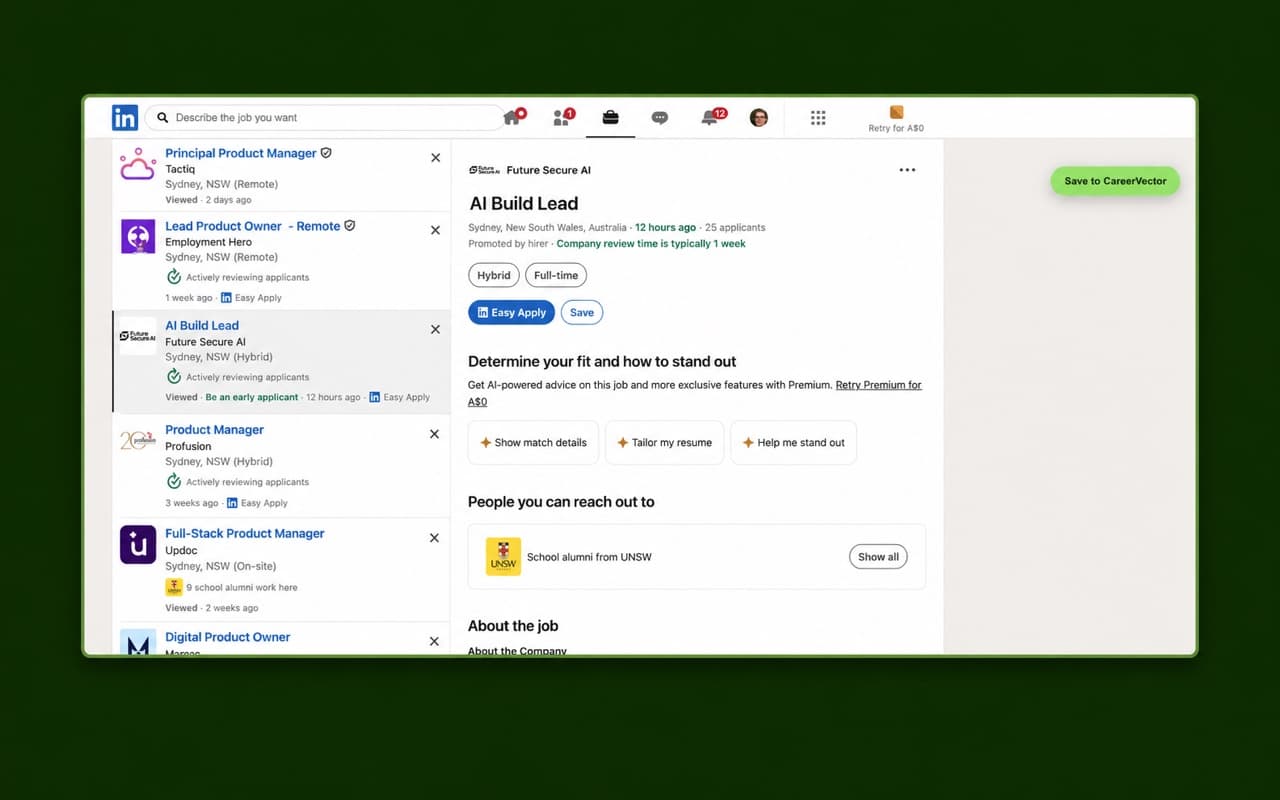
CareerVector — Save Job puts a Save to CareerVector button on the job pages you already browse, and sends the posting straight to your CareerVector Inbox.
How it works
Install the extension
Add CareerVector — Save Job to Chrome from the Chrome Web Store.
Connect your account
Sign in to CareerVector once from the extension. A free CareerVector account is required.
Save from any job page
Click Save to CareerVector on a job posting. It lands in your Inbox, ready to tailor and apply.
The extension needs a CareerVector account. Sign up free before you connect it.
Works where you search.
The Save to CareerVector button appears on job pages on these sites:
- Seek
- Indeed
- RemoteRocketship
- TheLadders
- FlexJobs
On any other job site, use the CareerVector button in your Chrome toolbar to save the posting you're viewing.
CareerVector is not affiliated with or endorsed by LinkedIn, Seek, Indeed, RemoteRocketship, TheLadders, FlexJobs, or Google.
Your jobs, in one Inbox.
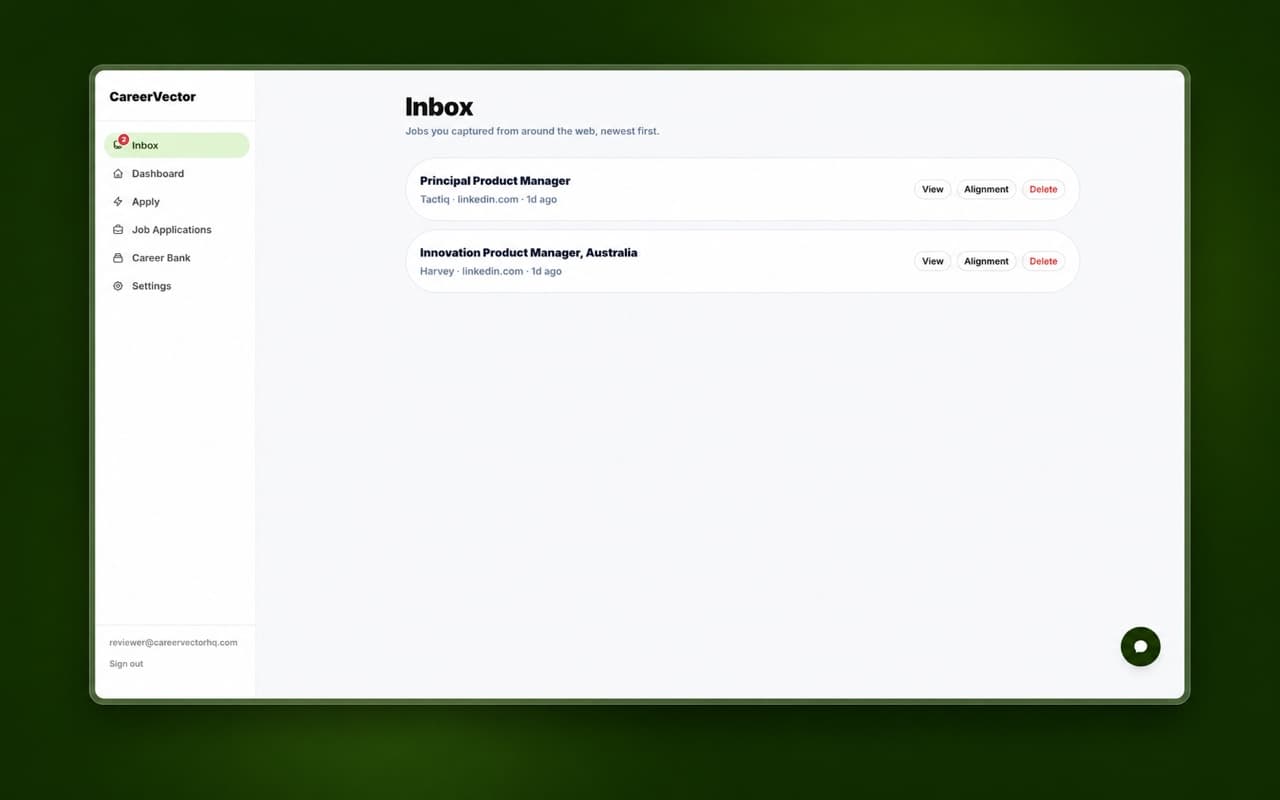
Every job you save shows up in your CareerVector Inbox. Check your alignment, then tailor your resume and cover letter to it.
How your data is handled
- The extension keeps your CareerVector sign-in and connected account email in Chrome local storage, so it can save jobs to your account.
- It sends the job page URL and job posting content to CareerVector only after you choose Save to CareerVector.
- If a posting has no usable structured data, CareerVector may process the readable page content with OpenAI on our server to extract the job you asked to save.
- It never crawls pages in the background or saves jobs automatically.
Stop copy-pasting job ads.
Save them in one click.
Install the extension, connect your free CareerVector account, and start building your Inbox.
Add to Chrome (opens the Chrome Web Store in a new tab)